
Ubiquiti Cameras
Ubiquiti UniFi Cameras - Advanced Security Solutions with HD Video Monitoring
Shop By Ubiquiti Cameras Categories


About Ubiquiti Cameras
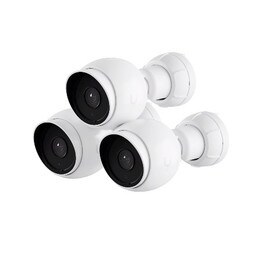
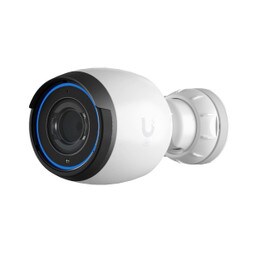
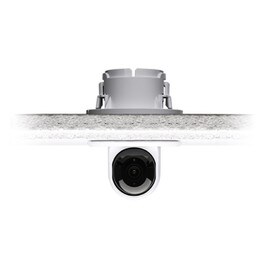
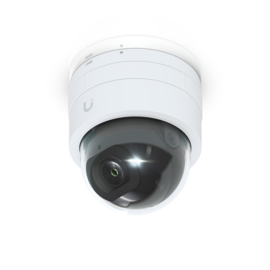
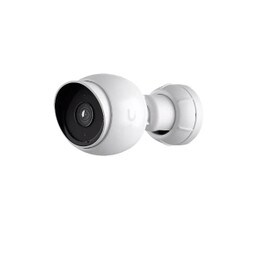
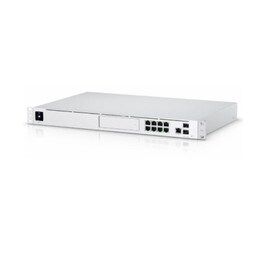
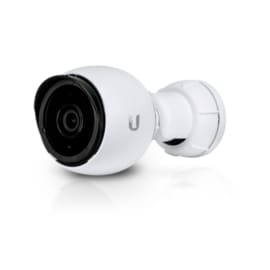
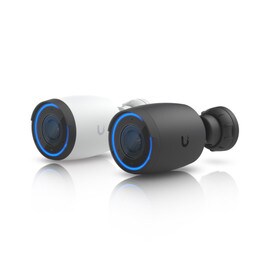
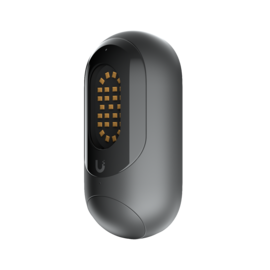
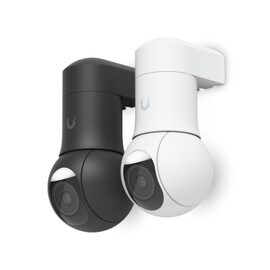
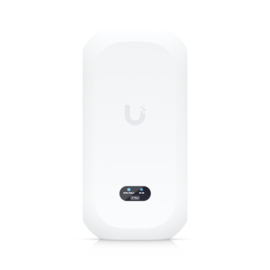
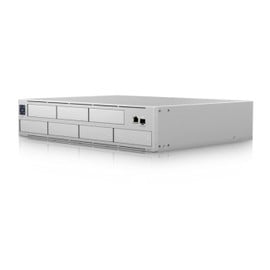
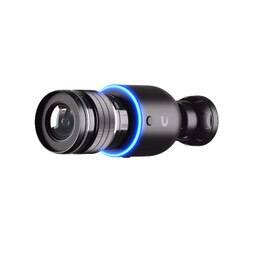
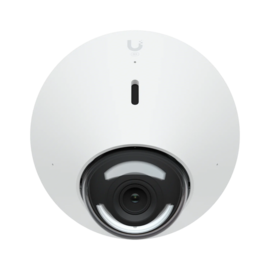
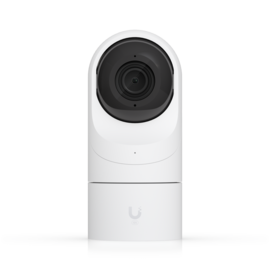
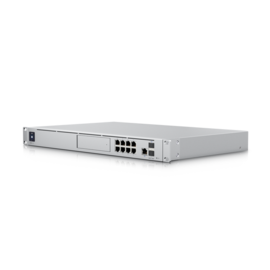
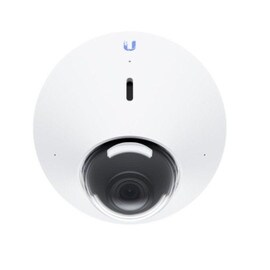
Ubiquiti’s weather-resistant UniFi Camera is perfect for shopping malls, parking lots, stations, airports, and other high-foot-traffic areas. Its next-gen surveillance cameras with a 3-axis mount, two-way audio, high-power infrared LEDs with an IR cut filter, and a wide-angle/zoom lens give clear 1080p Full HD, 4MP, or 4K Ultra UD video performance. The doorbells feature a 5MP night vision camera, porch light, PoE chime, and AI event detections. The NVRs offer up to 60 days of storage for 20 4K or 60 1080p cameras, and ViewPort lets you view up to 16 camera feeds on an HDMI display. Other devices include AI Theta Hub, Lens, and Audio, Protect Floodlight, Sensor, and Wi-Fi Smart Chime. WAV is an official distributor of Ubiquiti Networks, offering a variety of its certified UniFi Camera at the best value.
Latest Ubiquiti Cameras Products

Frequently Asked Questions
What are UniFi Cameras used for?
UniFi Cameras are IP security cameras designed for video surveillance in homes, businesses, offices, warehouses, campuses, and other networked environments. They integrate with UniFi Protect for centralized camera management, live viewing, video recording, alerts, and smart detection features.
Do UniFi Cameras require UniFi Protect?
Yes, UniFi Cameras are designed to be managed through UniFi Protect, Ubiquiti’s video surveillance platform. A compatible UniFi Console or NVR running Protect is required to manage cameras, configure recordings, view footage, and access surveillance features.
Do UniFi Cameras need a subscription?
No, UniFi Protect is primarily designed for local video management and storage without requiring a recurring subscription for basic camera recording. Your UniFi Console or NVR stores the footage locally, helping you maintain control over surveillance data and retention.
Do UniFi Cameras use PoE?
Yes, many UniFi Cameras use Power over Ethernet (PoE) for both power and network connectivity. This allows a single Ethernet cable to connect the camera to a compatible PoE switch or injector, simplifying installation and reducing the need for separate power wiring.
Can UniFi Cameras be used outdoors?
Yes, Ubiquiti offers UniFi Camera models specifically designed for outdoor surveillance. Outdoor models can include weather and impact protection, but the appropriate IP and IK ratings vary by camera, so the specifications should be checked before selecting a model for outdoor installation.
Do UniFi Cameras support AI detection?
Yes, compatible UniFi Cameras and UniFi Protect systems support AI-powered security features such as person and vehicle detection, with additional smart detection capabilities available on supported models. The exact AI features depend on the camera model and Protect version.
Can UniFi Cameras record 24/7?
Yes, UniFi Protect can support continuous recording on compatible cameras and storage systems. Users can also configure event-based recording and detection-based alerts depending on their surveillance requirements, helping balance video coverage with available storage capacity.
Can I view UniFi Cameras remotely?
Yes, UniFi Cameras can be monitored remotely through UniFi Protect when remote access is configured. Authorized users can view live camera feeds, review recordings, receive alerts, and manage supported surveillance functions through UniFi’s remote management options.
Do UniFi Cameras support two-way audio?
Selected UniFi Camera models support two-way audio through integrated microphones and speakers. This allows users to communicate through the camera where supported. Because audio capabilities vary between models, check the individual camera specifications before purchasing.
How do I choose the right UniFi Camera?
Choose a UniFi Camera based on resolution, field of view, lighting conditions, indoor or outdoor installation, AI detection requirements, PoE availability, storage capacity, and required coverage area. Bullet, dome, turret, PTZ, and specialty models are available for different surveillance environments.
Can UniFi Cameras work with existing UniFi networks?
Yes, UniFi Cameras can be integrated into an existing UniFi network when the network provides the required Ethernet connectivity, PoE power, and a compatible UniFi Protect Console or NVR. This makes UniFi Cameras suitable for expanding an existing UniFi infrastructure into video surveillance.
Can UniFi Protect support multiple UniFi Cameras?
Yes, UniFi Protect can manage multiple cameras from a centralized interface. The practical camera capacity depends on the UniFi Console or NVR hardware, camera resolutions, recording settings, storage capacity, and overall system workload.
Are UniFi Cameras suitable for business security?
Yes, UniFi Cameras are suitable for many commercial security applications, including offices, retail locations, warehouses, educational facilities, hospitality properties, and other business environments. UniFi Protect provides centralized surveillance management, recording, alerts, and remote monitoring.
Where can I buy UniFi Cameras?
You can buy Ubiquiti UniFi Cameras from WAV, with camera options available for different indoor, outdoor, commercial, and professional surveillance requirements. Choose a model based on your required coverage, resolution, AI features, environmental rating, and installation method.